Support Center
The WisDM Support Center helps you quickly resolve issues or connect with the RAK technical support team when you need assistance. It offers multiple support options, including a searchable FAQ page and a built-in support request form within the WisDM console.
FAQs
Before contacting support, check the WisDM FAQs for common questions and configuration guides.
Contact RAK Support
If you cannot find the answer in the FAQs, submit a Support Request directly from within WisDM.
- From the WisDM dashboard, click Support at the bottom of the page.
- On the Account Info page, no changes are needed; simply click Next.
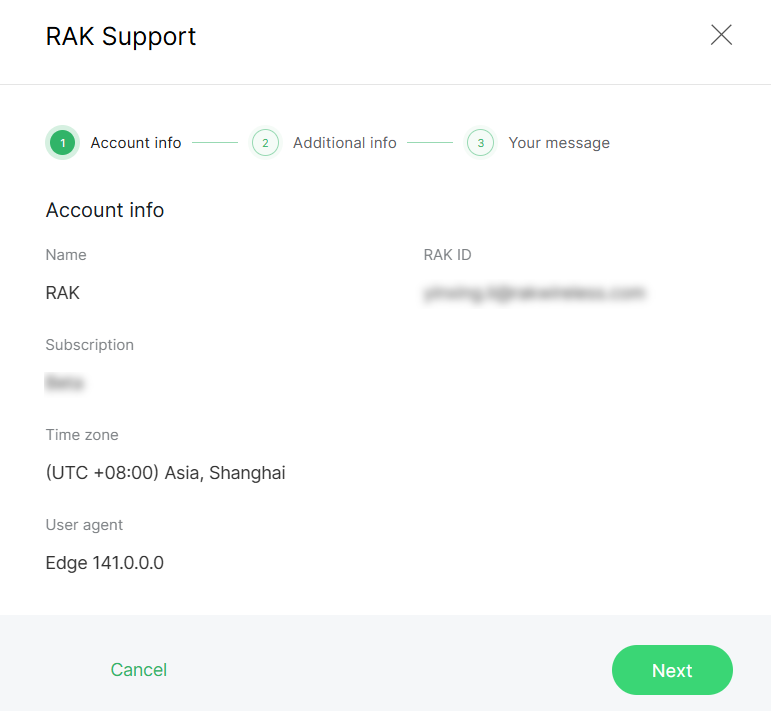 Figure 1: Account Information
- Provide additional details about the issue, then click Next.
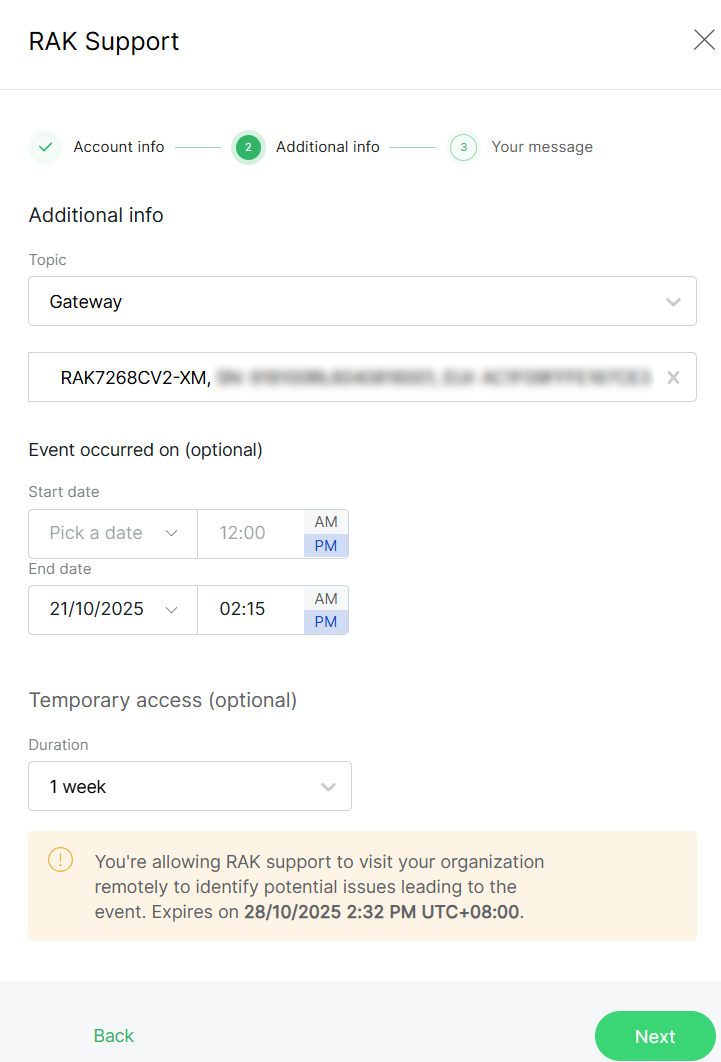 Figure 1: Additional Information
-
Topic: Select the relevant issue category.
-
Event occurred on (optional): Specify when the issue occurred (optional).
-
Temporary access (optional): You can optionally grant temporary access to RAK Support for troubleshooting purposes. This allows RAK engineers to access your Organization for a limited time once the request is submitted.
NOTEYou can view, modify, or revoke the temporary access sessions under Organization Management > Temporary Access.
- Clearly describe your issue and attach any relevant screenshots or log files.
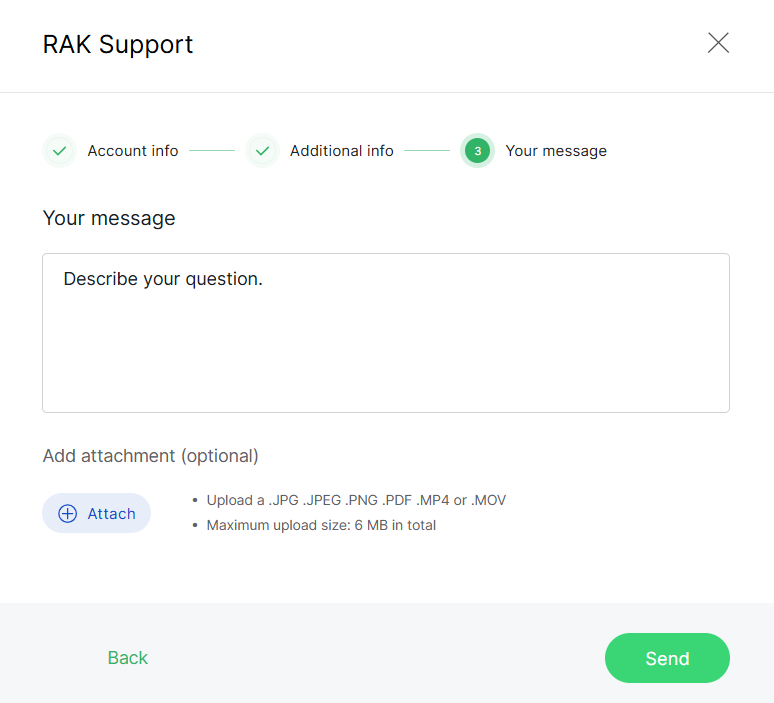 Figure 1: Your Message
- Click Send to submit your support request.


