Diagnostics
In the Diagnostics menu, review the system logs on the gateway and perform checks.
System Log
The System log tab displays complete system-level logs, primarily used for debugging and troubleshooting.
The Auto refresh switch in the top right corner turns automatic log updates on or off.
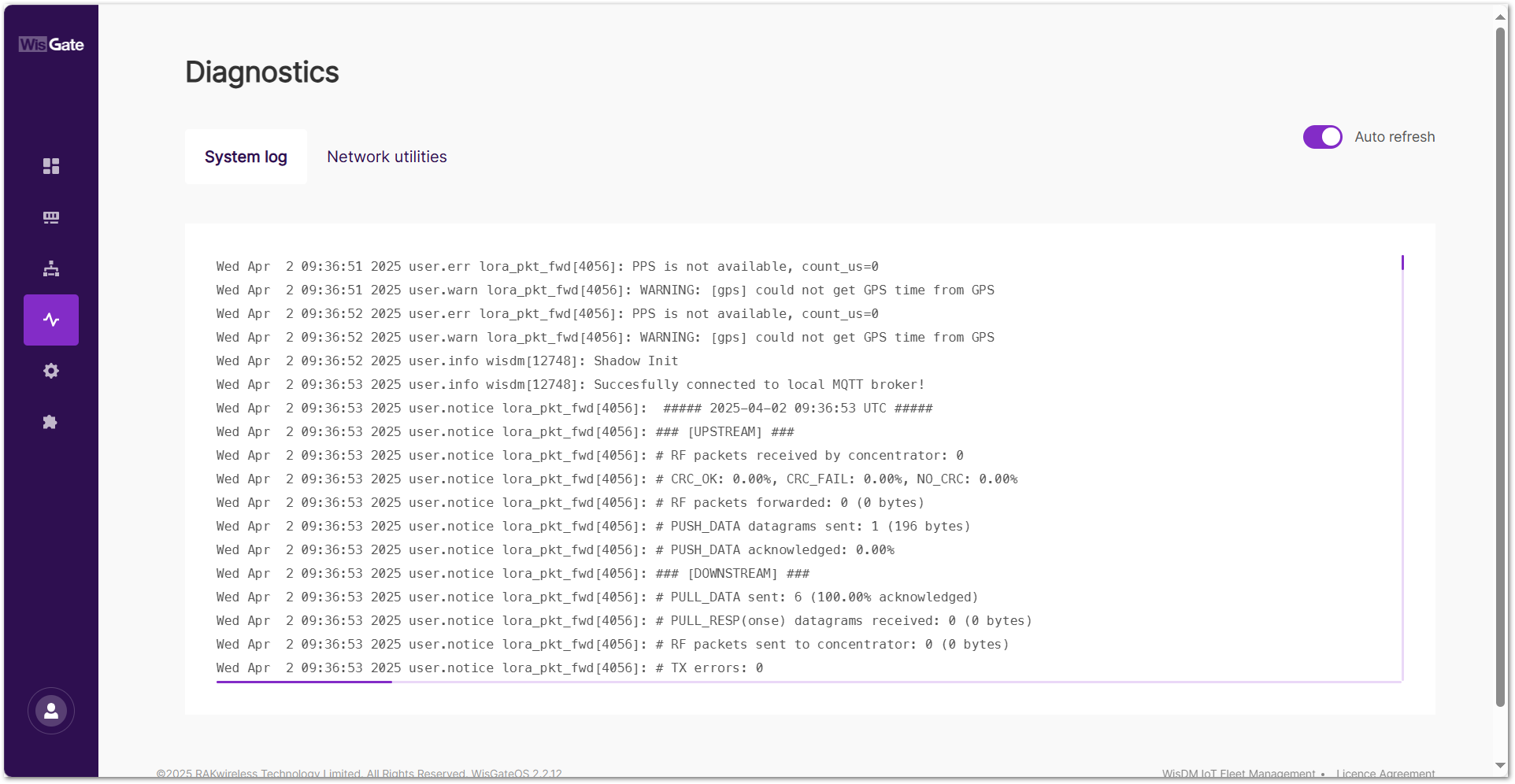 Figure 1: System log tab
Download System Log
To download system logs, follow these steps:
- Navigate to Settings > File browser.
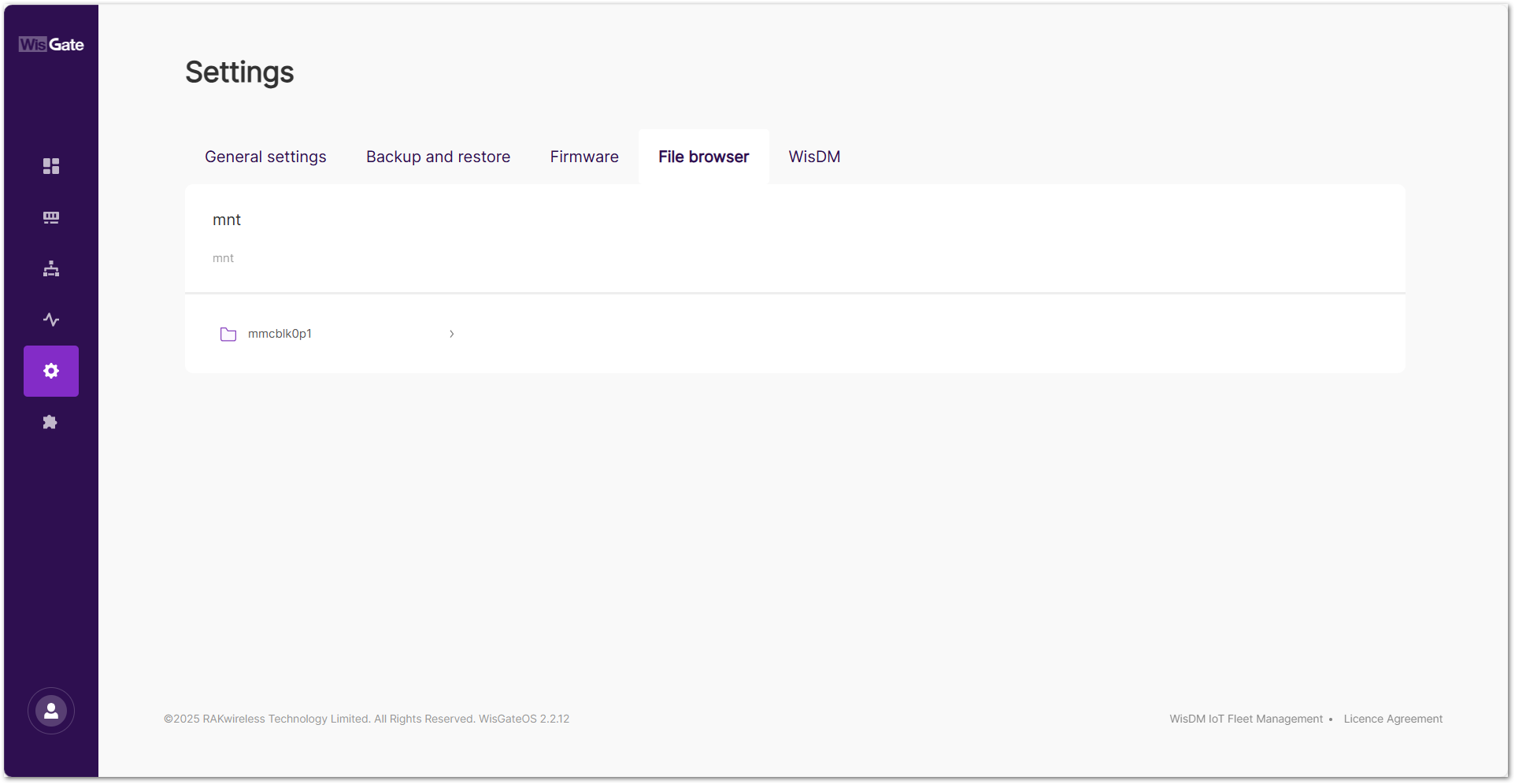 Figure 1: File browser
- Go to mmcblk0p1 > syslog.
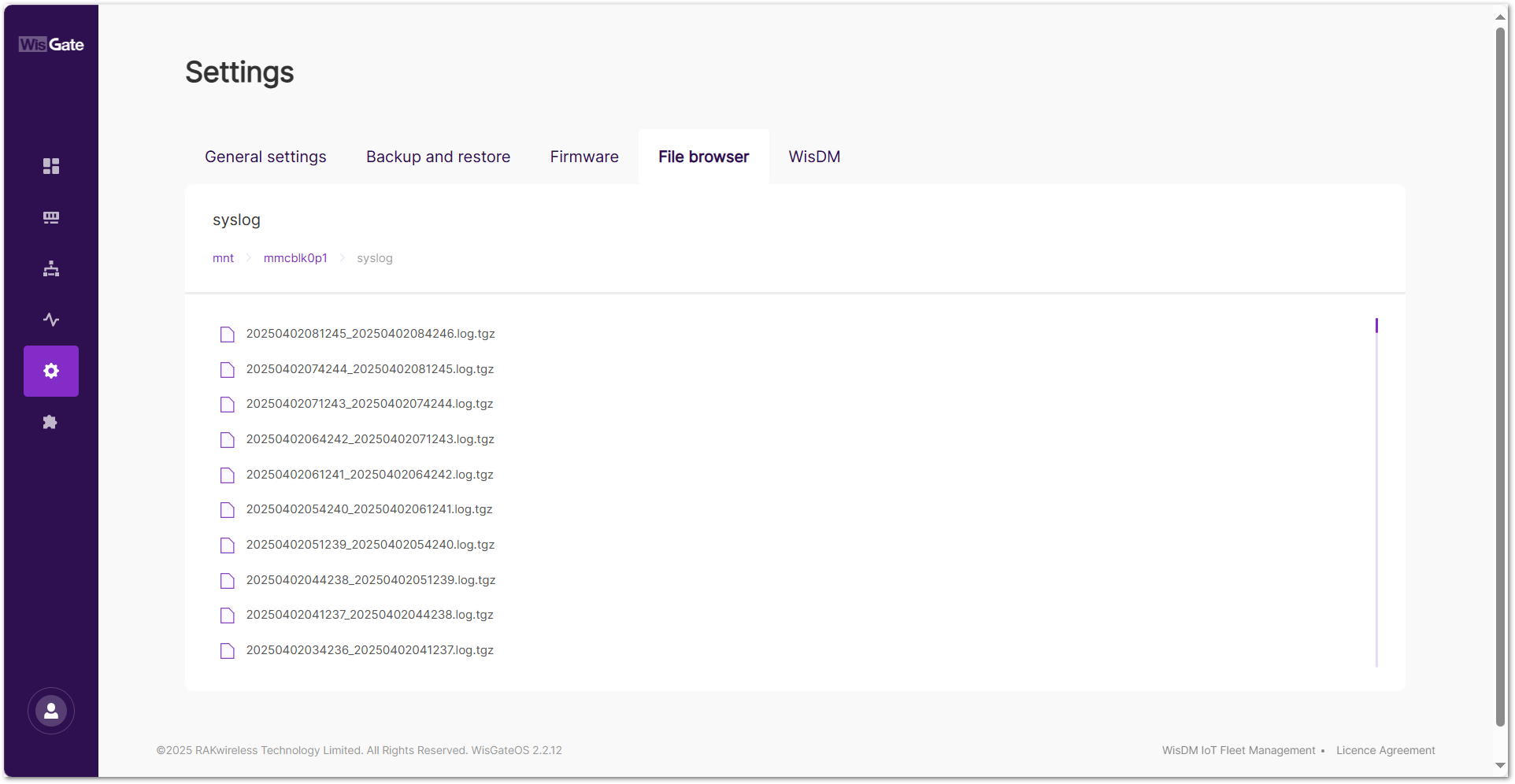 Figure 1: syslog
- Select the log file based on the timestamp and click to download.
Configure System Log
If you need to configure log storage settings or forward logs to an external server, refer to the Configuring System Log section.
Network Utilities
The Network utilities page provides built-in diagnostic tools for network troubleshooting. These tools allow you to check connectivity, trace network routes, and perform DNS lookups directly from the gateway.
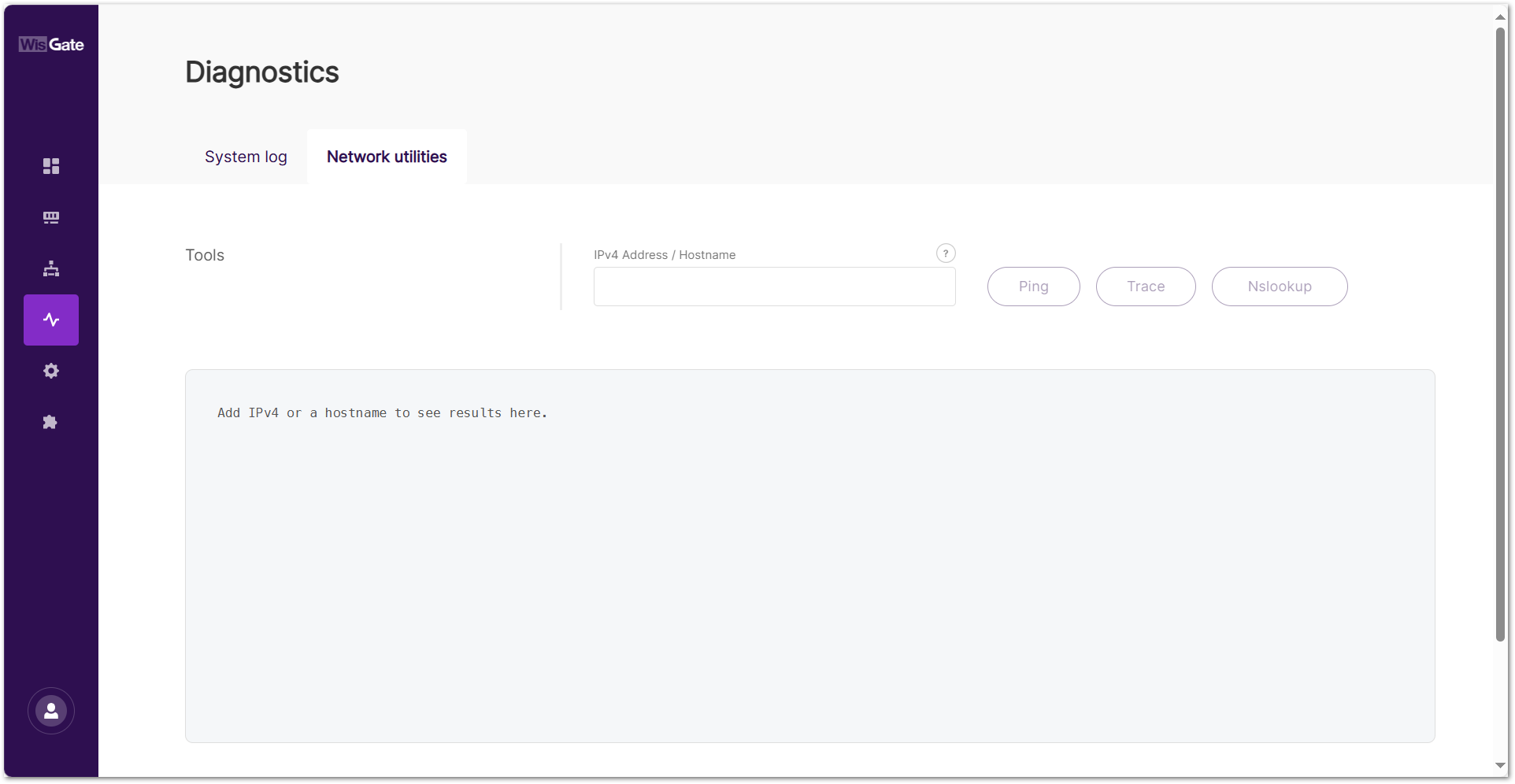 Figure 1: Network utilities tab
Available Tools
- Ping: Tests the reachability of a host by sending ICMP echo request packets and measuring response times. This helps determine if a device or server is online.
- Trace: Displays the route packets take to reach a destination, showing the intermediate hops. Useful for identifying network latency or connection issues.
- Nslookup: Queries the Domain Name System (DNS) to obtain the IP address corresponding to a domain name or vice versa.
How to Use
-
Enter an IPv4 Address or Hostname in the input field.
NOTEFor Nslookup, only a domain name is allowed.
-
Pick your desired tool:
- Ping to check connectivity.
- Trace to view the routing path.
- Nslookup to resolve domain names.
-
The results will be displayed in the console output area below.


