HTTP Access Example
- Go to the HTTP Access example code from the RAK5860 repository.
- Copy and paste the code to Arduino IDE, and click upload.
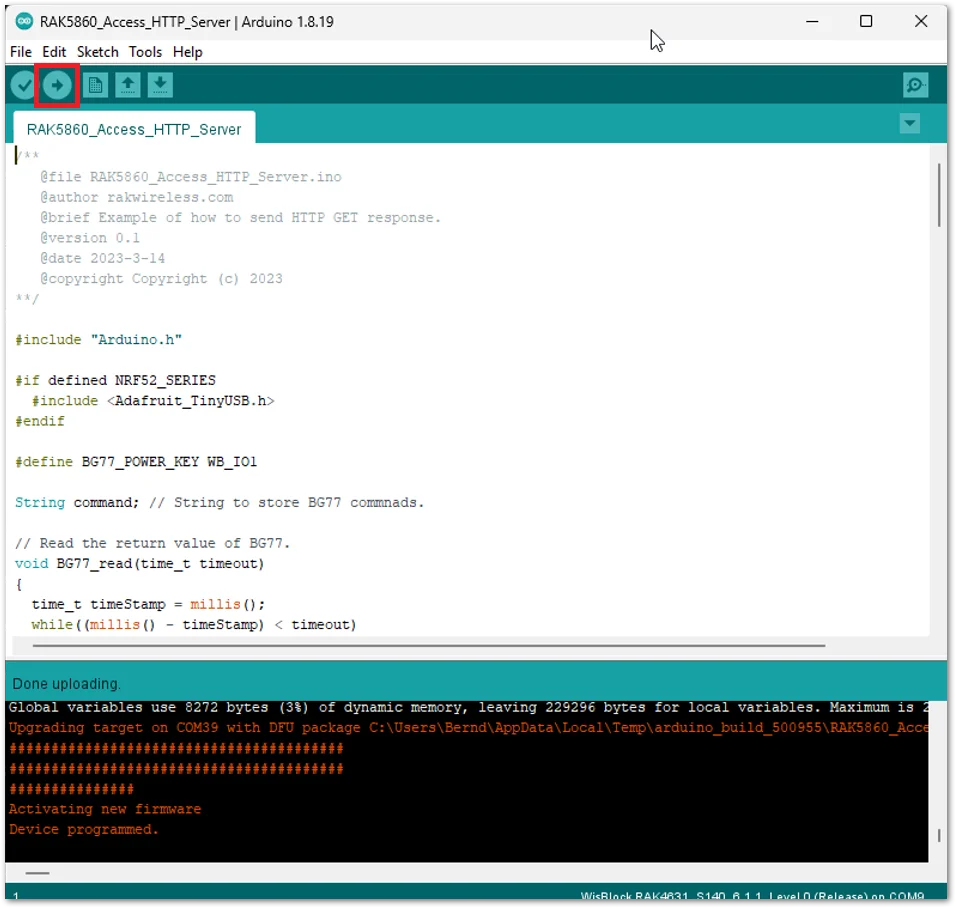 Figure 1: HTTP Example Code
- The process will first configure the APN of the cellular network, then set up the URL of the HTTP server to be accessed, send an HTTP GET/Read request, and enable the output of the HTTP response header to display on the Serial Terminal of the Arduino IDE.
NOTE
The server to be accessed in the example is sina.com but this can be changed to a different website.
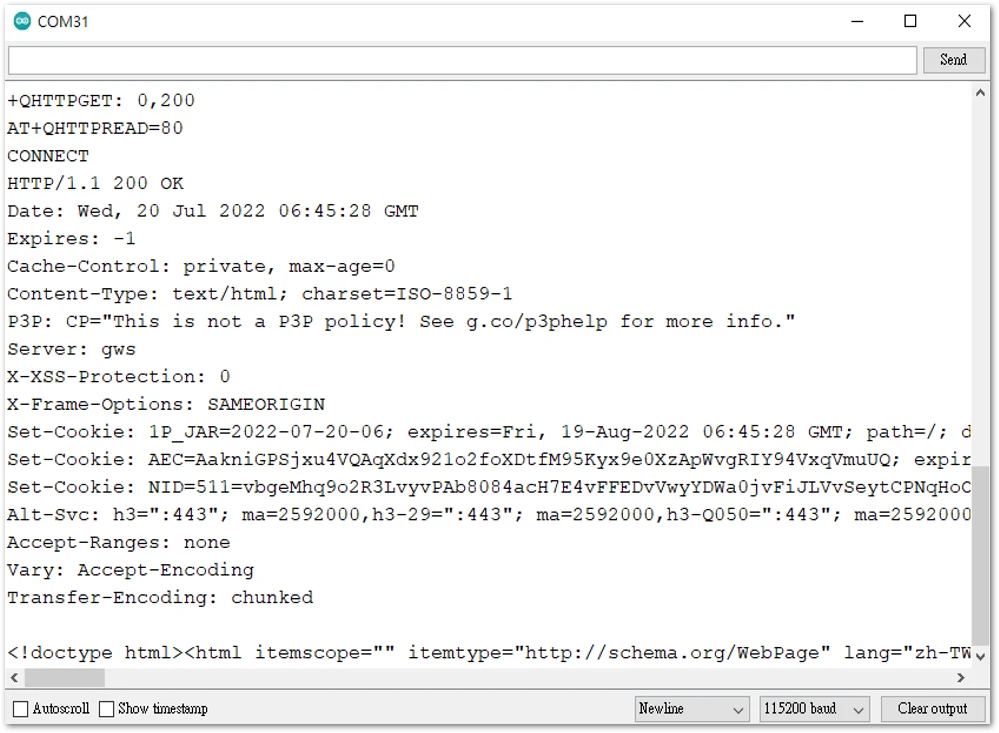 Figure 1: Successful HTTP Get with reply


