Update Firmware with WisToolBox Mobile
- To select the Firmware menu, click the More menu.
 Figure 1: WisToolBox Mobile More menu
- The Information and Settings screen shows if there are any firmware updates. Click Update Available to get more information.
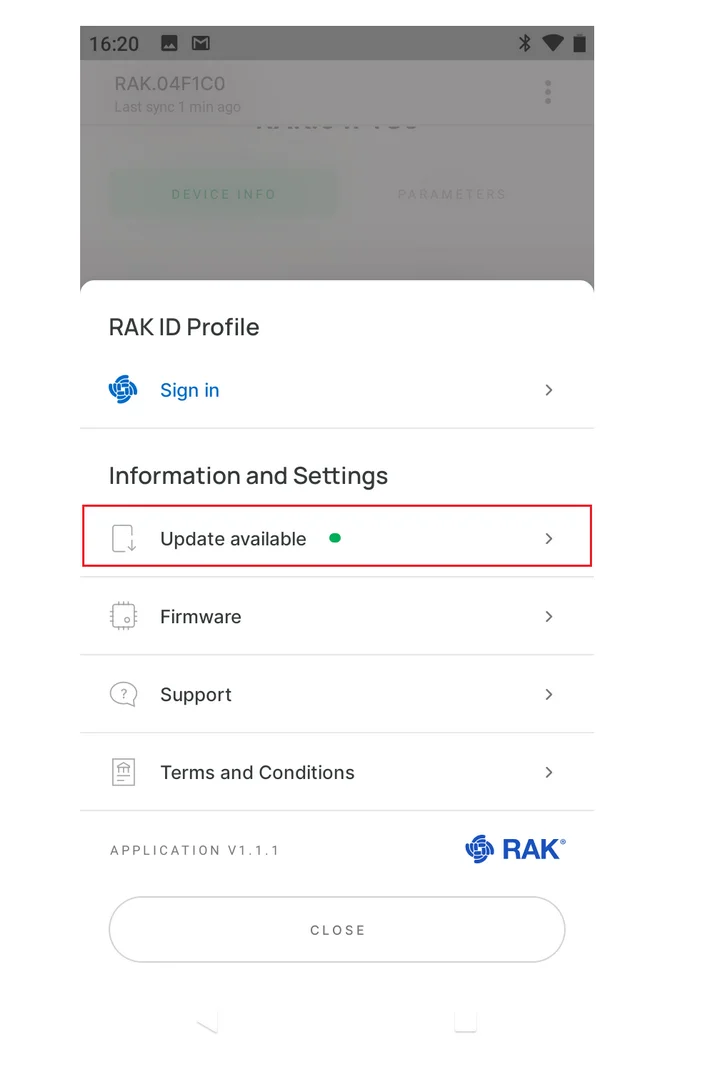 Figure 1: WisToolBox Mobile Information and Settings
- New firmware version details are displayed. Click UPDATE NOW to flash the newer version.
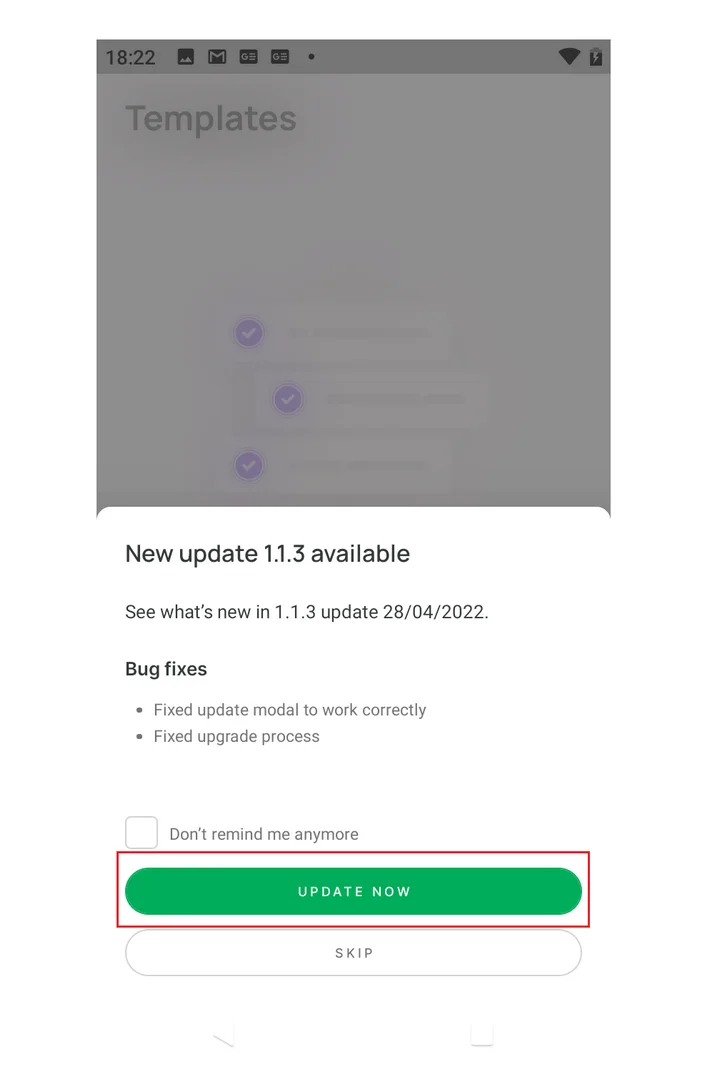 Figure 1: WisToolBox Mobile Firmware Update


