RAK10730 WisMesh Pad Quick Start Guide
This guide explains how to access RAK10730 WisMesh Pad, connect to a Meshtastic device, and start using WisMesh Pad features.
Access WisMesh Pad
RAK10730 WisMesh Pad provides a web interface running on the built-in Raspberry Pi CM4. You can access the interface from the built-in touchscreen or a computer connected to the same network.
Access from a Computer
- Connect the computer and WisMesh Pad to the same local network.
- Open a web browser and enter the WisMesh Pad address:
https://<Pad-IP-address>:9444
- The WisMesh Pad uses a self-signed certificate. Your browser may display a certificate warning when accessing the page for the first time. Select Advanced and continue to access the page.
- The Pad IP address can be checked from the terminal on the WisMesh Pad screen.
Access from the Pad Screen
You can access the WisMesh Pad web interface directly from the built-in touchscreen without entering an IP address.
To open the web interface:
- Power on the WisMesh Pad.
- From the desktop, open the Meshtastic Web shortcut.
- The local Meshtastic Web interface opens automatically.
You can then use the touchscreen to access WisMesh Pad features and connect to Meshtastic devices.
SSH Access
WisMesh Pad provides SSH access for system maintenance and advanced configuration. SSH is enabled by default.
The default SSH credentials are:
- Username:
rak - Password:
rakwireless
To access WisMesh Pad through SSH:
ssh rak@<Pad-IP-address>
Connect to a Meshtastic Device
Before using WisMesh Pad features, connect the Pad to a Meshtastic device.
- Open the connection page.
- Select an available connection or add a new connection.
- Click Connect.
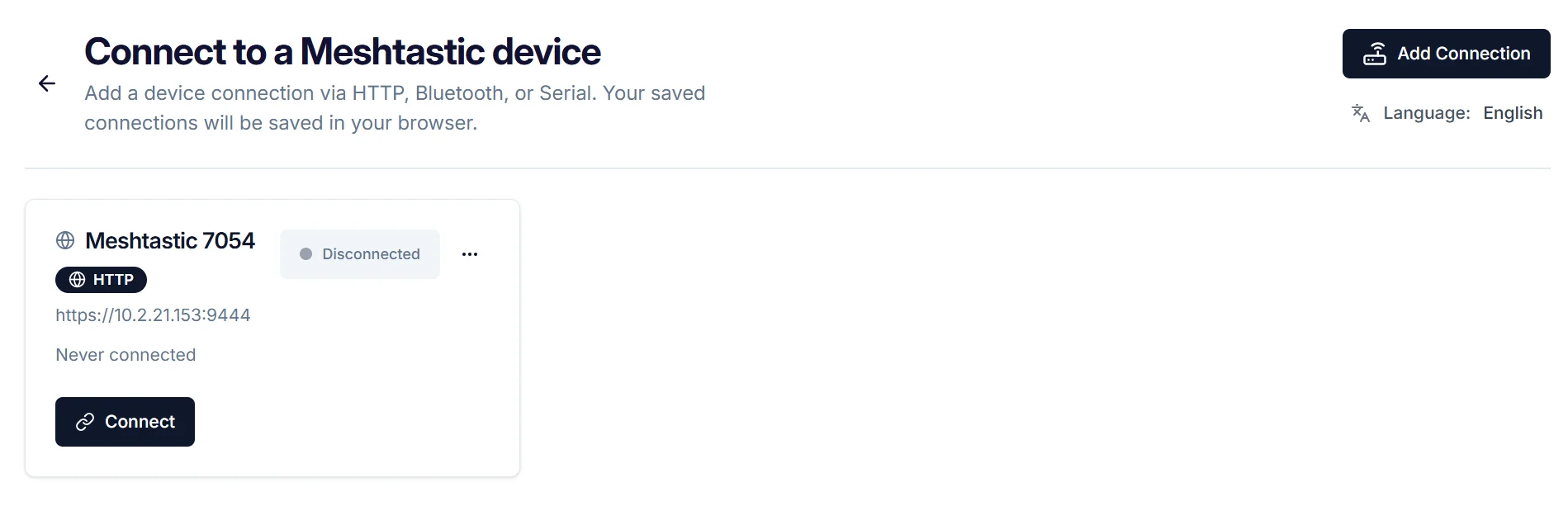 Figure 1: Connect to a Meshtastic device
After the connection is established, WisMesh Pad automatically opens Mode Selection.
The first time you log in, a Backup Reminder will appear. You can choose Back up now, Remind me in 7 days, or Never remind me.
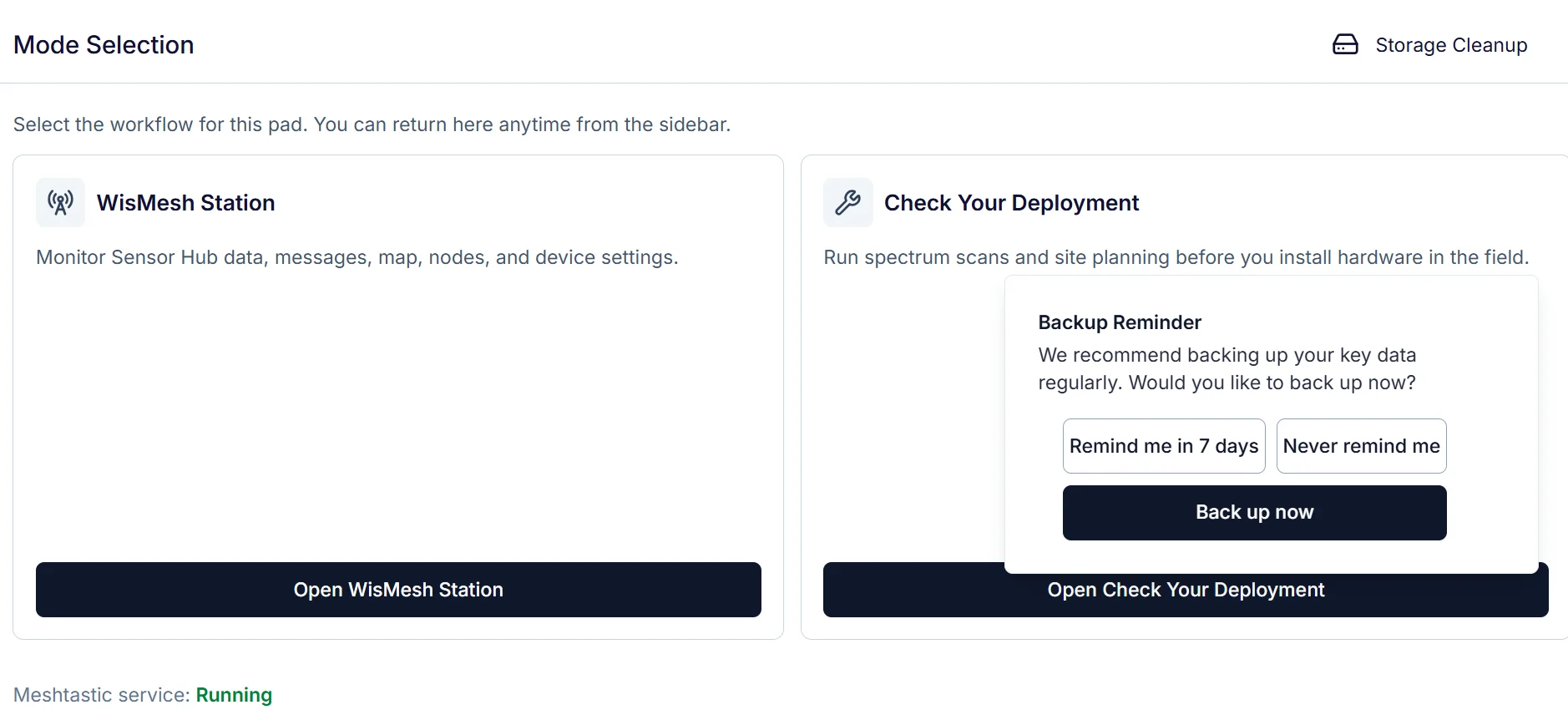 Figure 1: Connect to a Meshtastic device
Next Steps
From Mode Selection, you can access:
- WisMesh Station: Monitor Sensor Hub data and use Meshtastic network functions.
- Check Your Deployment: Evaluate radio conditions and plan node placement before deployment.
- Storage Cleanup: Manage local Sensor Hub and scan history data.


