RAK10730 WisMesh Pad Storage Cleanup
Storage Cleanup helps you manage local storage by removing saved Sensor Hub history and Spectrum Scan records stored on WisMesh Pad.
Open Storage Cleanup
From Mode Selection, click Storage Cleanup in the upper-right corner.
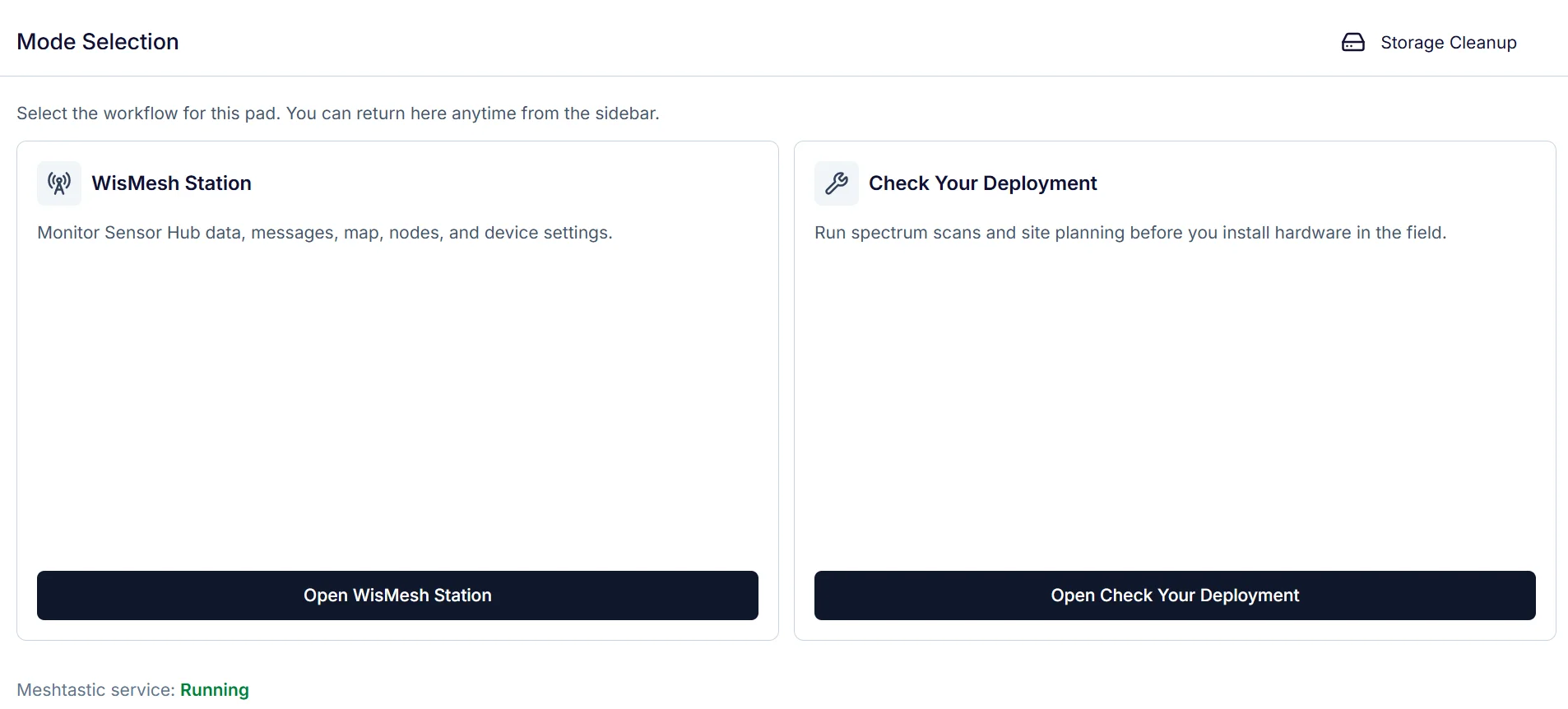 Figure 1: Storage Cleanup
Cleanup Options
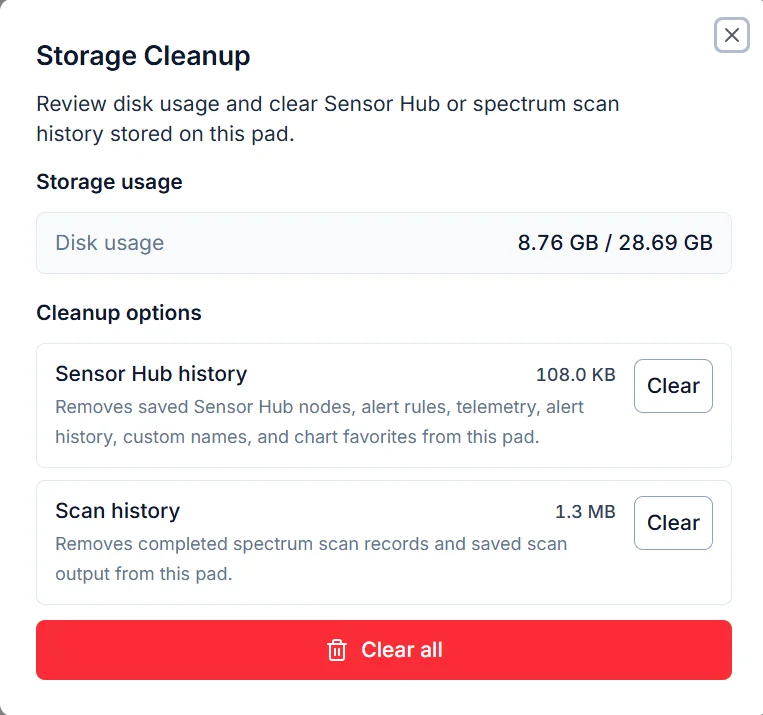 Figure 1: Storage Cleanup options
| Option | Description |
|---|---|
| Sensor Hub history | Removes saved Sensor Hub nodes, alert rules, telemetry, alert history, custom names, and chart favorites stored on the Pad. |
| Scan history | Removes completed Spectrum Scan records and saved scan output stored on the Pad. |
| Clear all | Removes all supported local data stored on the Pad. |
NOTE
Clear all cannot be undone. Storage Cleanup only removes local data stored on WisMesh Pad and does not affect Meshtastic device settings.


