Configure WisToolBox Desktop on Linux
For Linux users, extra configuration is required so that WisToolBox Desktop can automatically switch to the specific port used by the RUI3-enabled RAK module.
Upon installation, click Permissions and enable Access USB hardware directly.
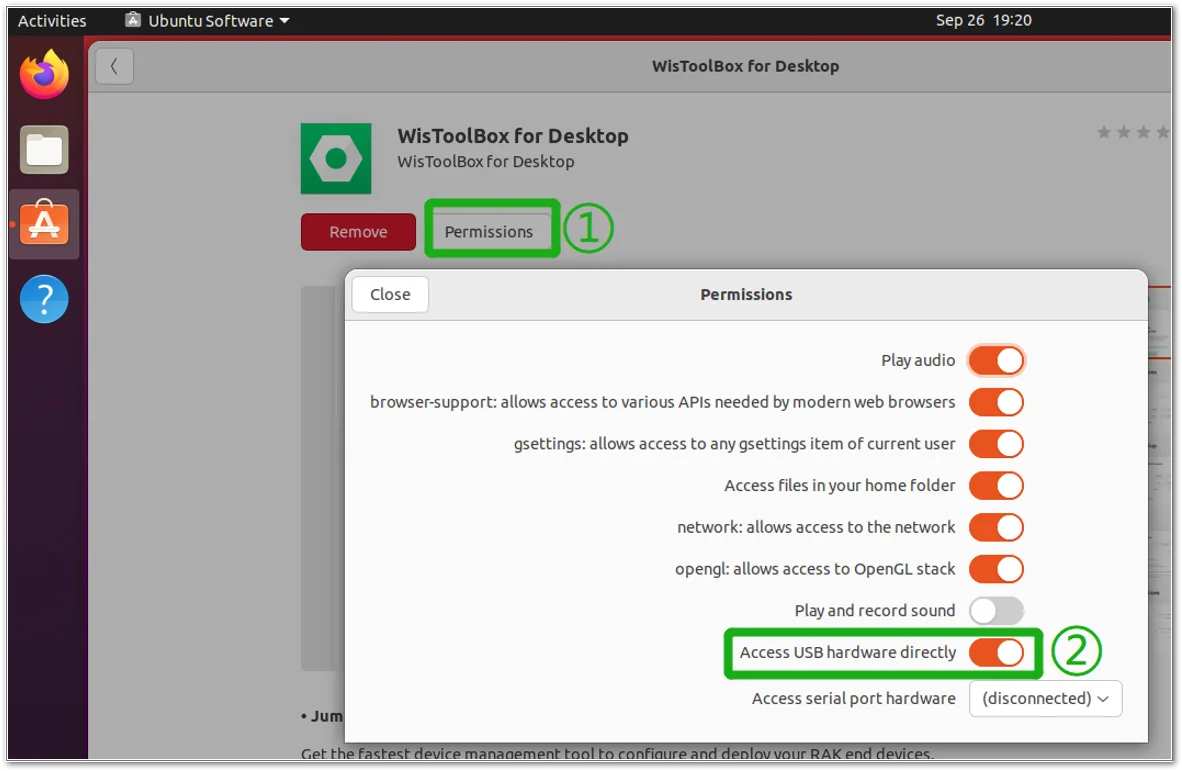 Figure 1: WisToolBox Linux Permission
After this, run the following command in the terminal:
sudo gpasswd --add $USER dialout
Then restart the system using the reboot command.
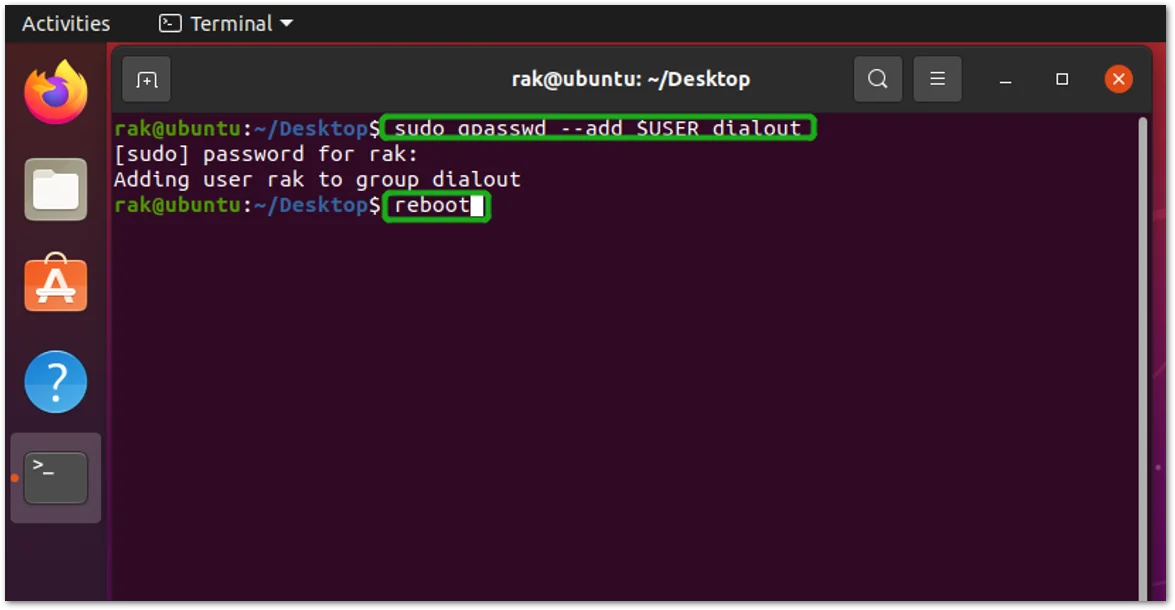 Figure 1: WisToolBox Linux Terminal


