Country Settings
LBT (Listen Before Talk) means that, before transmitting, the gateway checks the availability of the channel. This is necessary because LoRaWAN is a multi-channel protocol and uses ISM Band. Anyone can use the band, so a collision occurs if two or more end devices send signals simultaneously.
The gateway checks for empty channels and uses one of them to send downlink data. If a channel is occupied, the gateway performs a random back off. In case all of the channels are occupied, the gateway waits for a free channel and tries to send the downlink data again.
LBT is usually governed by regulations per country. In WisGateOS 2 2.x, there is a country table which includes proper configurations for all countries so you can set the country code in WisGateOS 2 2.x.
AS923 end-devices operating in Japan shall perform Listen Before Talk (LBT), based on ARIB STD-T108 regulations. The ARIB STD-T108 regulation is available for free and should be consulted as needed.
You can switch the frequency plan in the following regions:
- AS923, KR920
- EU868, RU864, IN865
- CN470
The frequency plan will be limited to a particular region. Tx power will be limited to under the maximum.
- Downlink Tx Power
- Beacon Tx Power
Install the Country Settings Extension
To install the extension, follow the steps in Add an Extension section.
Configure the Country Settings Extension
- To access the Country Settings extension, click Launch.
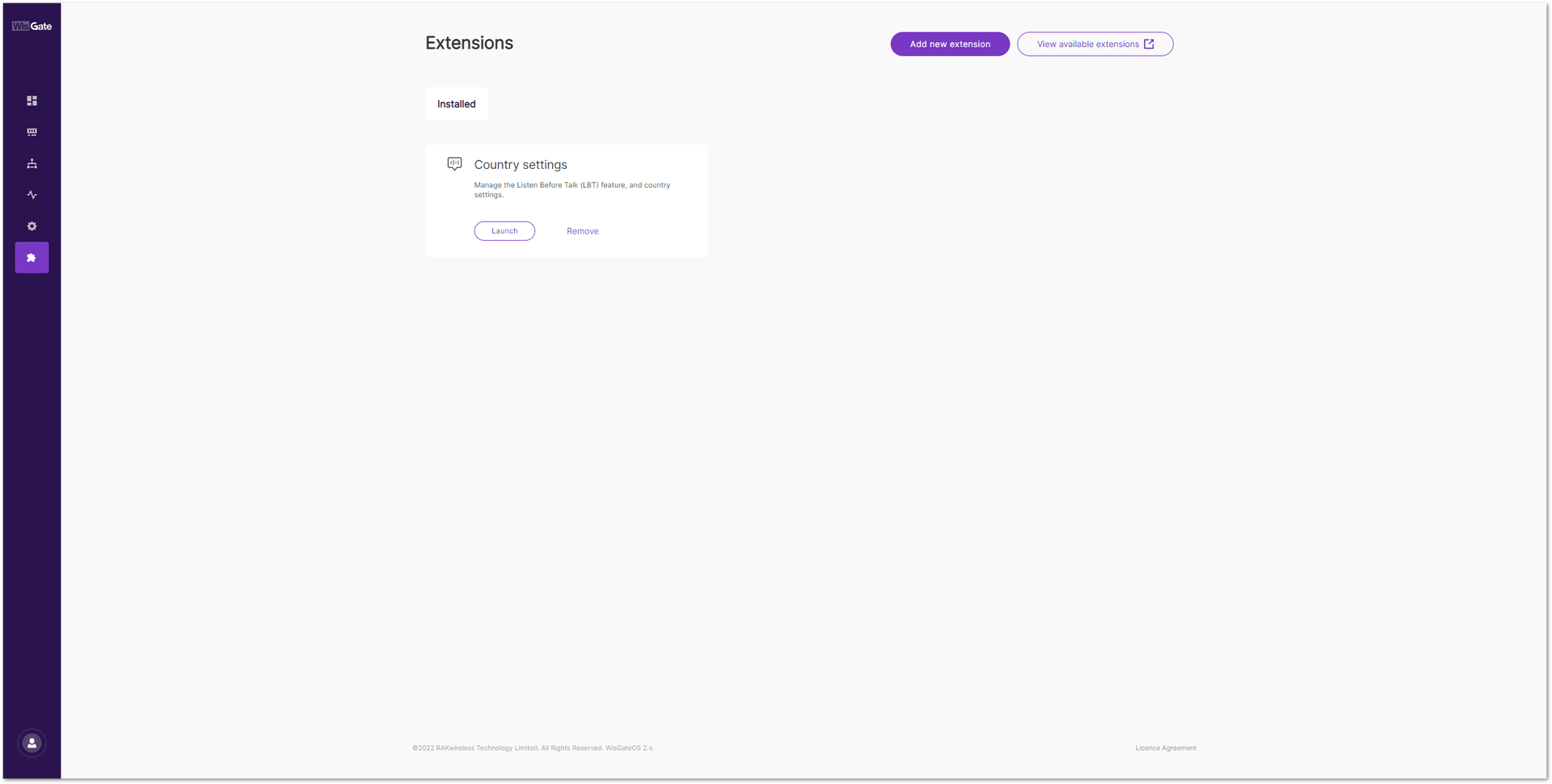 Figure 1: Launch the Country Settings/LBT Extension
- In the Configuration page, click the Select your Country button to set your country.
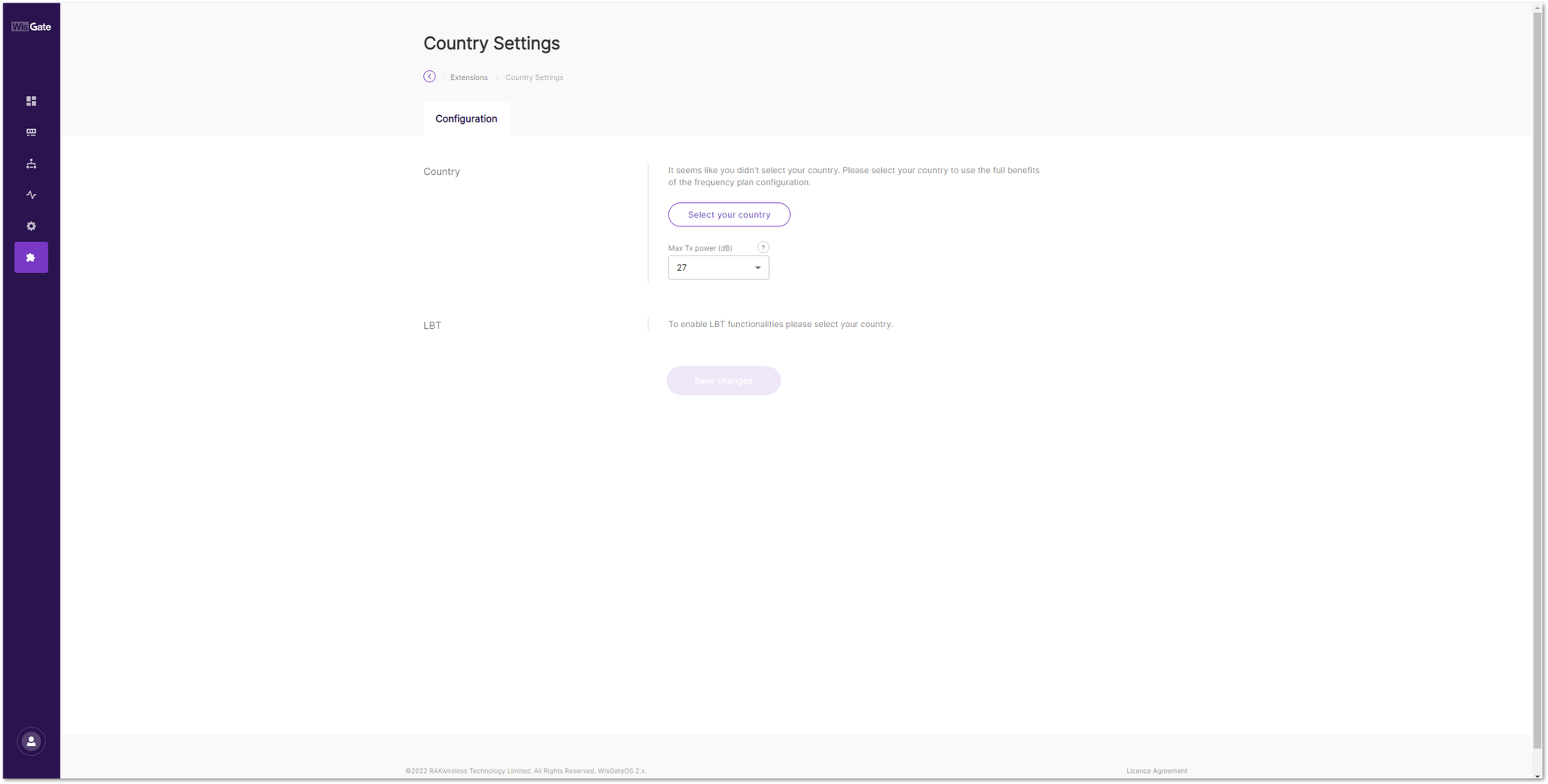 Figure 1: Country selection
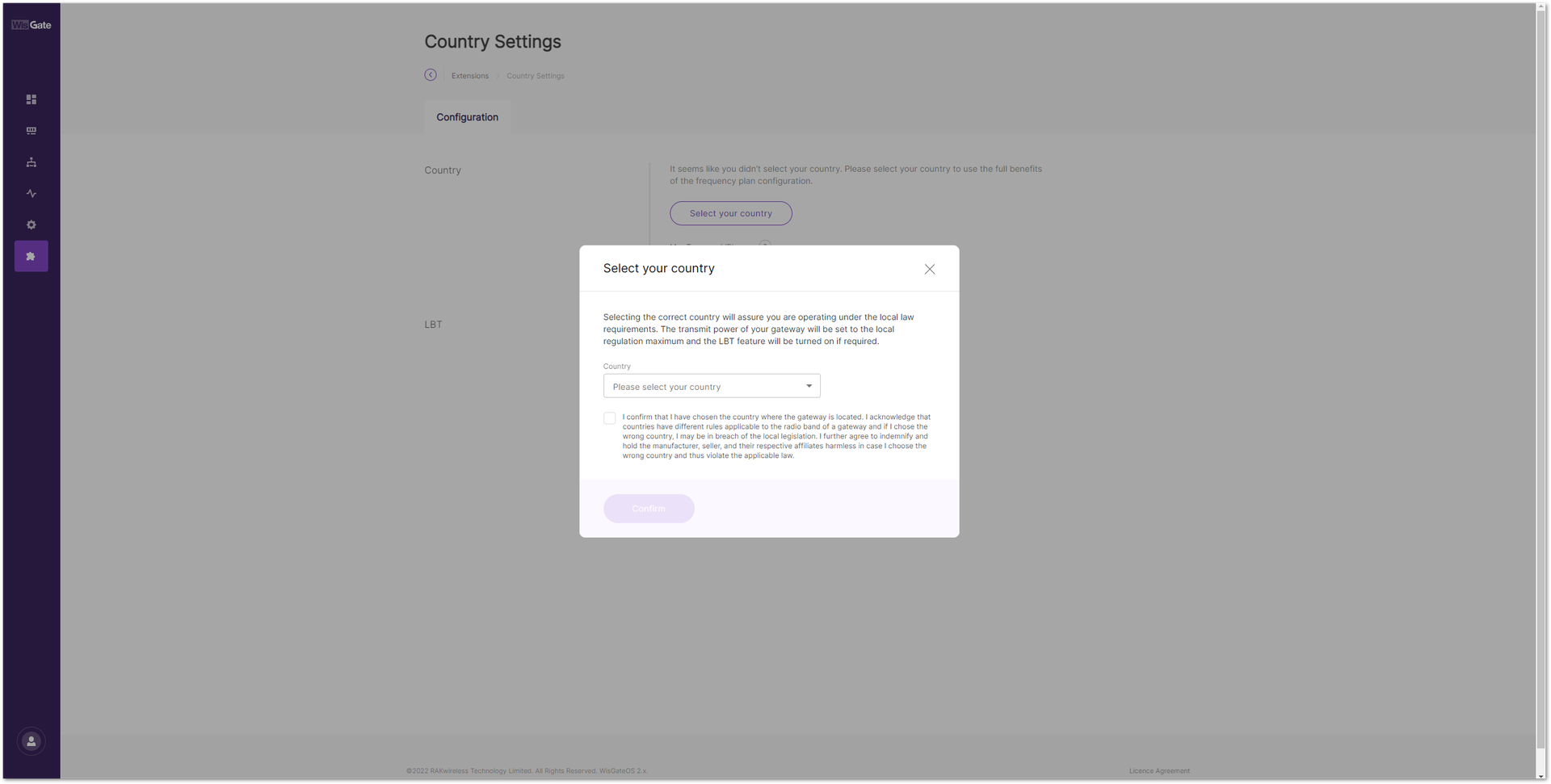 Figure 1: Find your country in the list
- In the new window, find your country and select it. Tick the checkbox below to confirm that you have chosen the country where the gateway is located. Then click Confirm to set the LBT for your country.
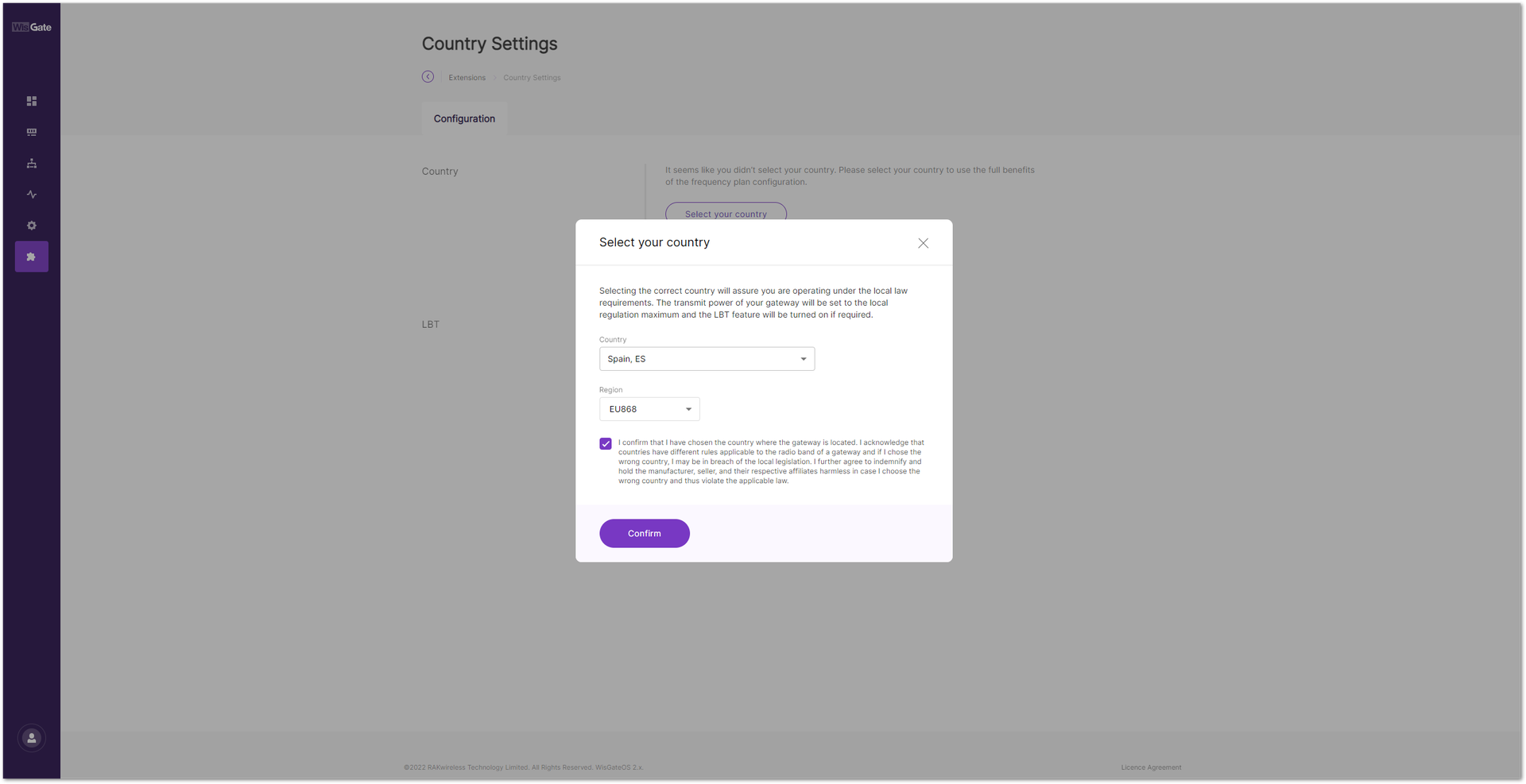 Figure 1: Confirm your country
- Enable the LBT by clicking on the Enable Listen Before Talk switch.
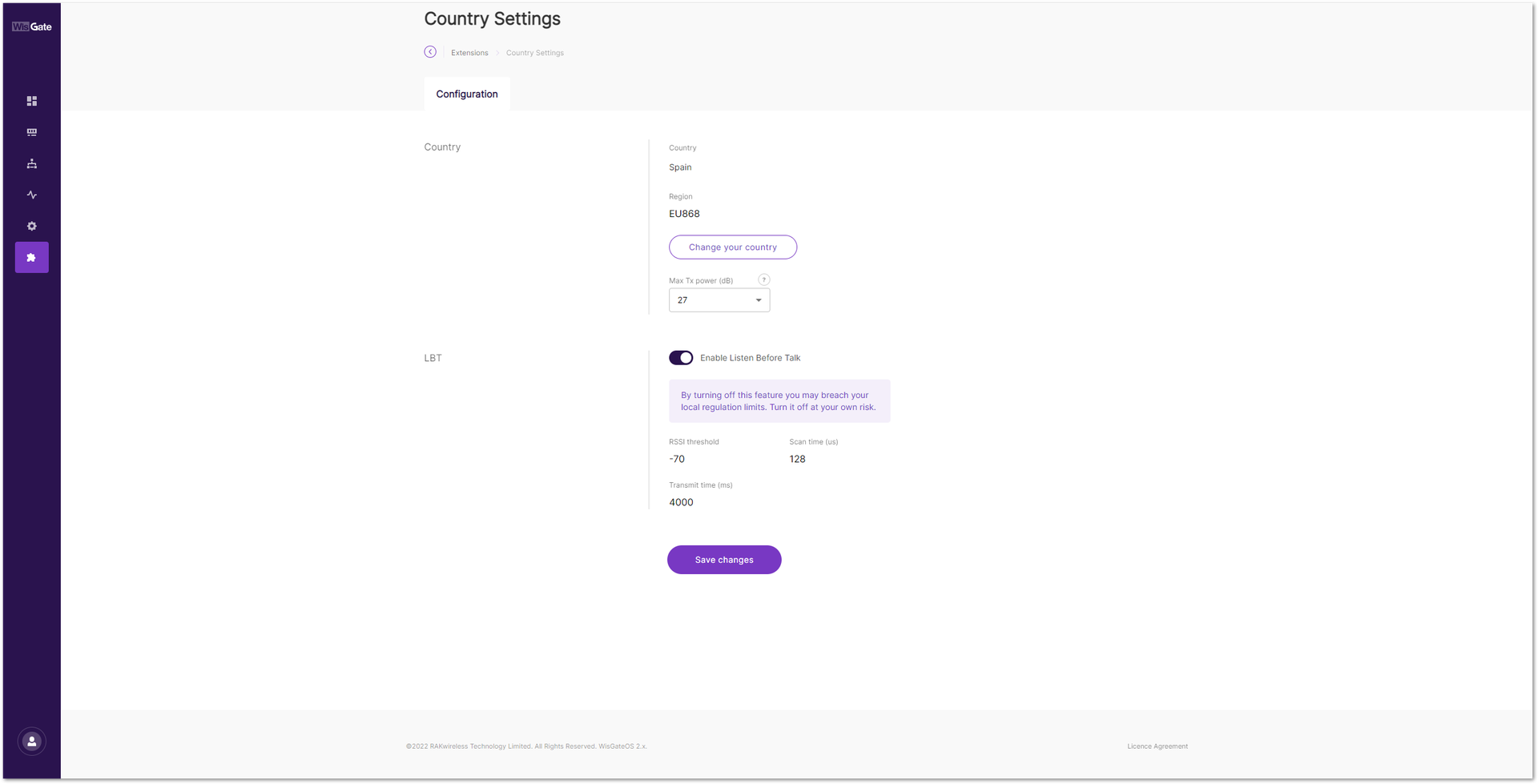 Figure 1: Enable LBT
- Click Save changes to apply the configuration. LBT is now enabled on your gateway.


