Solar Battery
The Solar Battery extension is used to display the operational status information of the solar battery used by the gateway. This includes information on the performance of the solar battery, battery health status, cycle period, battery capacity, charging and discharging modes, and more.
This extension is compatible with the following gateways:
- RAK7240V2/RAK7240CV2
- RAK7267
- RAK7289V2/RAK7289CV2
- RAK7285/RAK7285
You can learn the status of the solar battery in real-time through the UI interface.
Install the Solar Battery Extension
To install the extension, follow the steps in Add an Extension section.
Enable and View Solar Battery Monitoring
- To access the Solar Battery extension, click Launch.
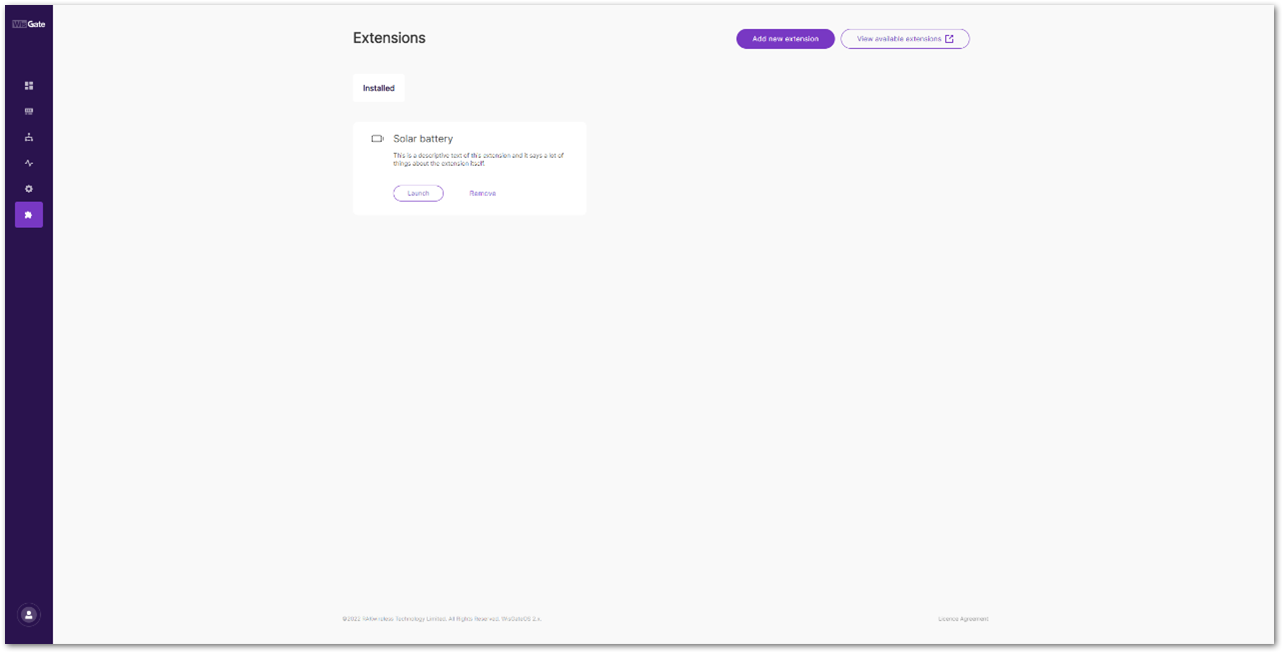 Figure 1: Launch the Solar Battery Extension
After clicking Launch, the Details page will be displayed, showing information about the Solar Battery:
-
Solar battery performance: Shows the real-time performance of the battery.
- Temperature: The temperature of the battery. Used to prevent overheating or freezing.
- Voltage: The voltage level of the battery.
- State of charge: The current battery level.
- Current: Indicates whether the battery is charging or discharging.
-
About solar battery: Contains additional information about the battery.
- State of Health: Represents the battery's overall condition.
- Cycle times: The number of charge/recharge cycles.
- Remaining Capacity: The current available capacity of the battery.
- Full-charge capacity: The maximum capacity when the battery is fully charged.
- Battery working mode: Indicates whether the battery is charging or discharging.
-
Solar battery active events: Notifies users about battery-related issues.
- FAULT: The system detects a potentially damaged battery and recommends immediate replacement.
- PROTECT: The system detects a serious issue and shuts down the battery as a protective measure. Once conditions are safe, the battery resumes operation automatically.
- Enable the switch to activate Monitor solar battery.
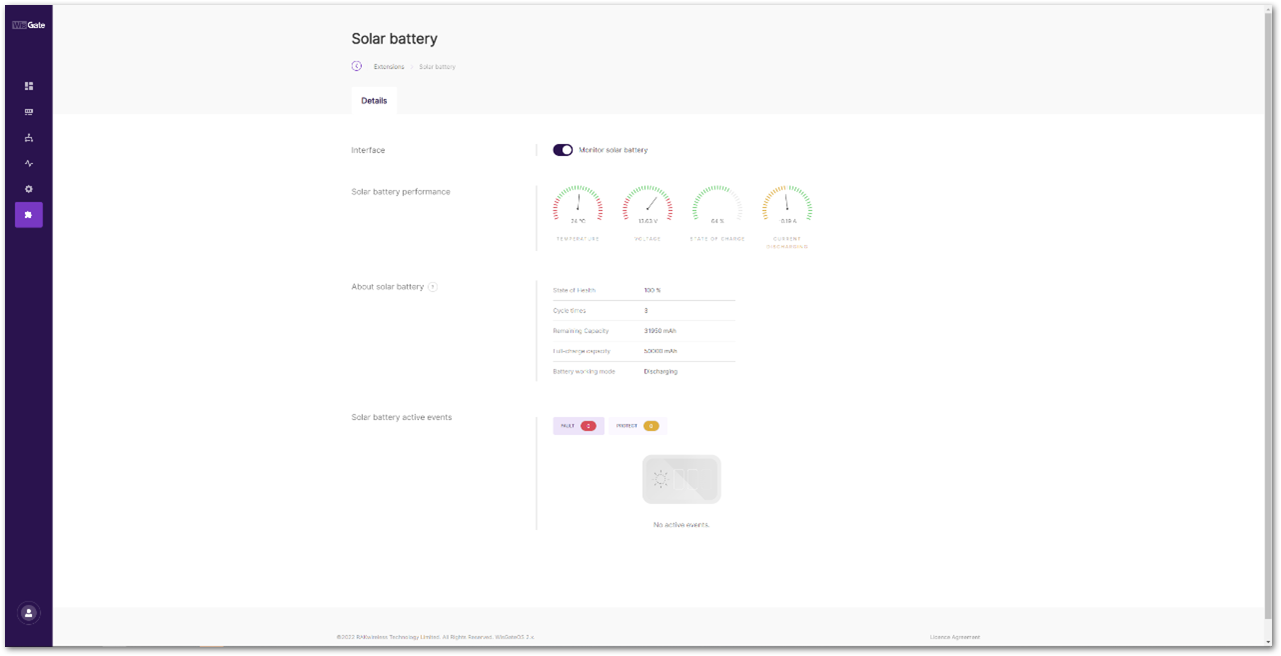 Figure 1: Details page


