Update an Extension
In order to use the latest features of the extension, it is strongly recommended to update the extension to its latest version.
- To update an extension, navigate to the Extensions > Installed.
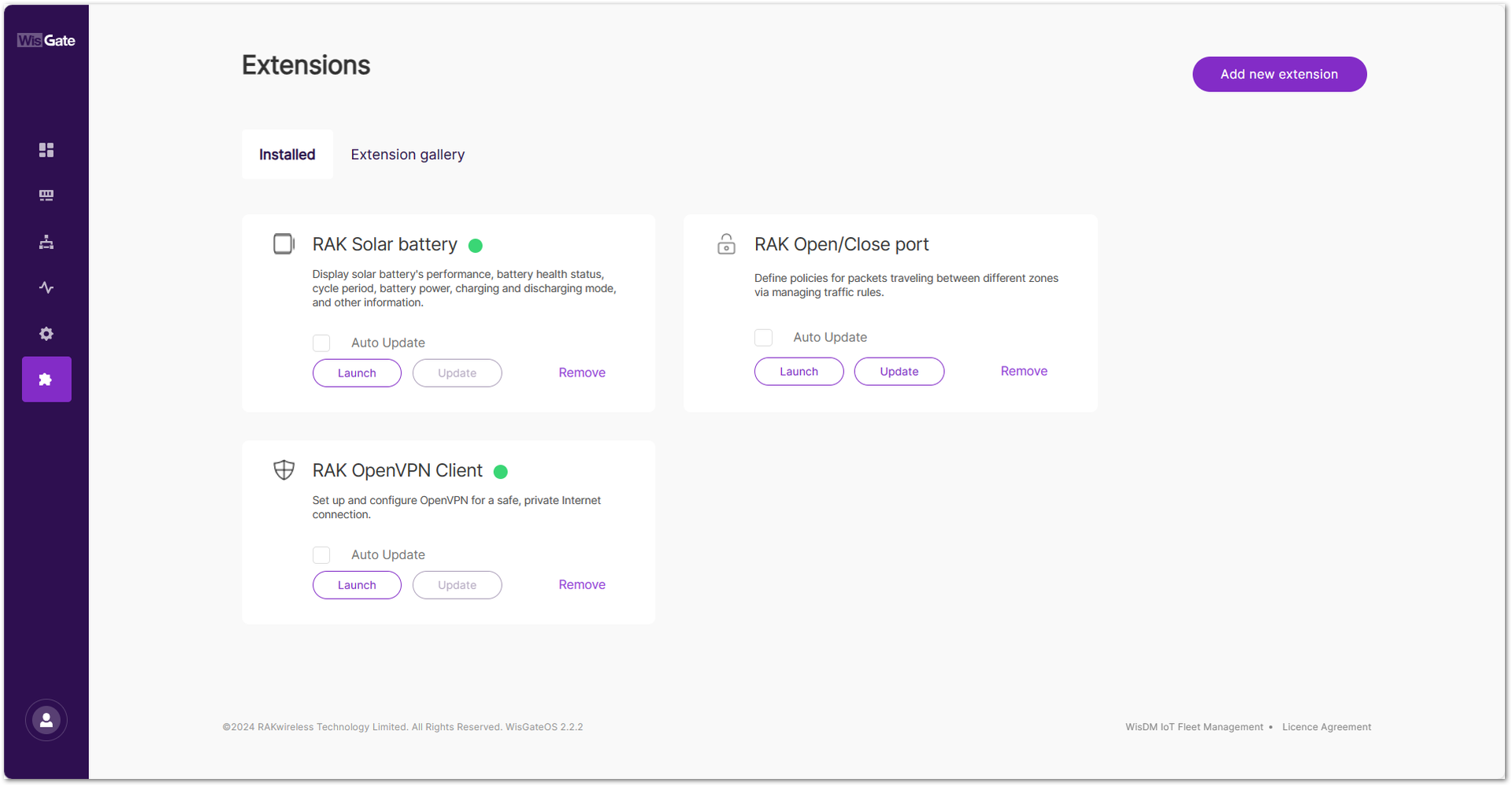 Figure 1: Installed extensions page
- If the latest version of the extension is available, the Update button will be highlighted, indicating that you can choose to update the extension. For example, the RAK Open/Close port extension. Click Update. The process may take a few moments to complete.
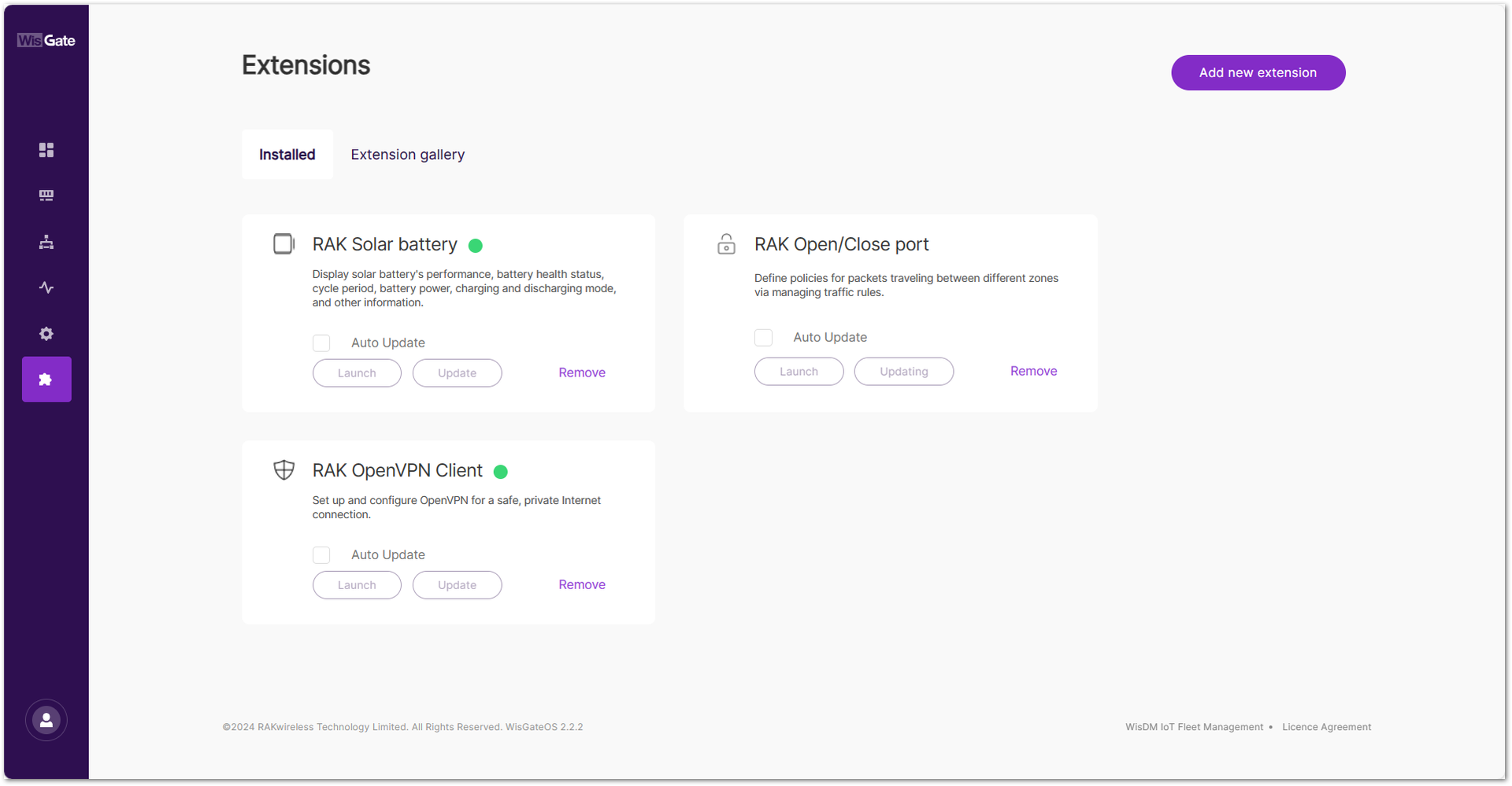 Figure 1: Updating extension
After the update is complete, the extension will show as up to date, with no further updates available.
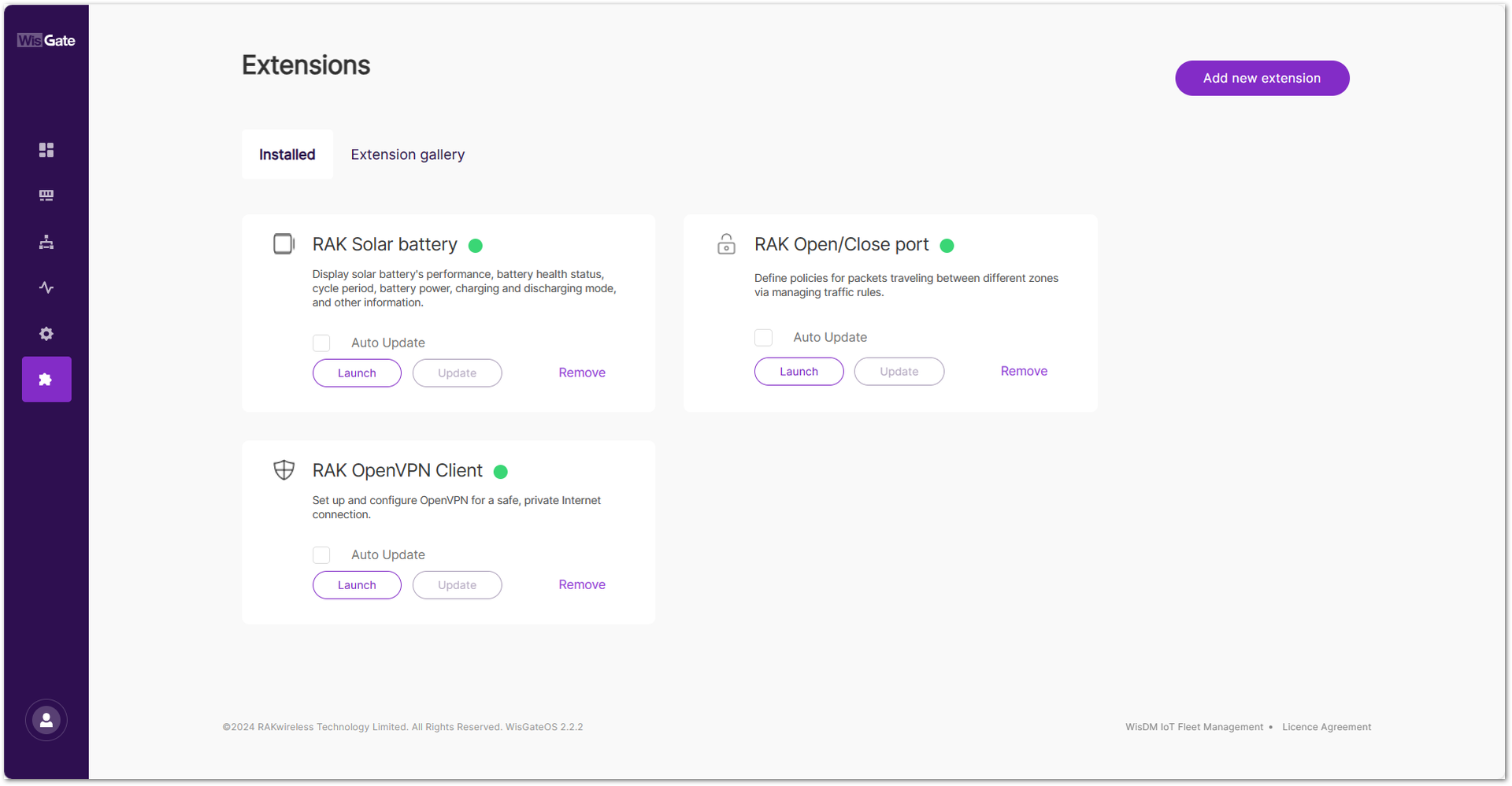 Figure 1: Updated extension
To facilitate timely updates, the RAK gateway provides an automatic update feature. It allows you to check the Auto Update button on the extension tab. Once Auto Update is enabled, the gateway will automatically update the extension when the latest version is available.
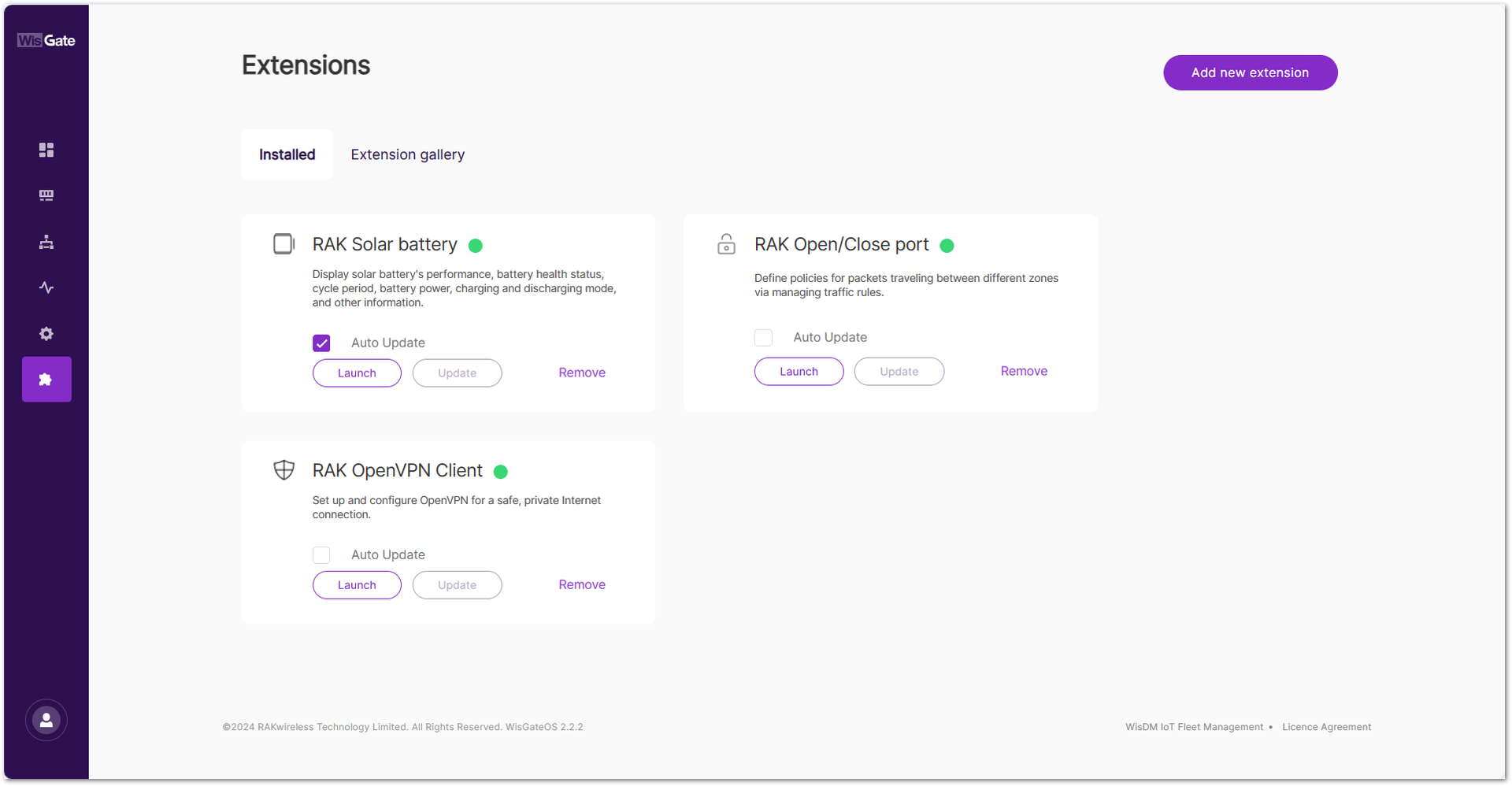 Figure 1: Auto Update


