Location-Level Notification Settings
The Notification Center defines how alerts are delivered for gateway status, solar battery, firmware, configuration, and performance events.
By default, a Location inherits its notification rules from the Organization-level Notification Center.
Administrators can choose to override inherited rules and apply a Location-specific configuration when needed.
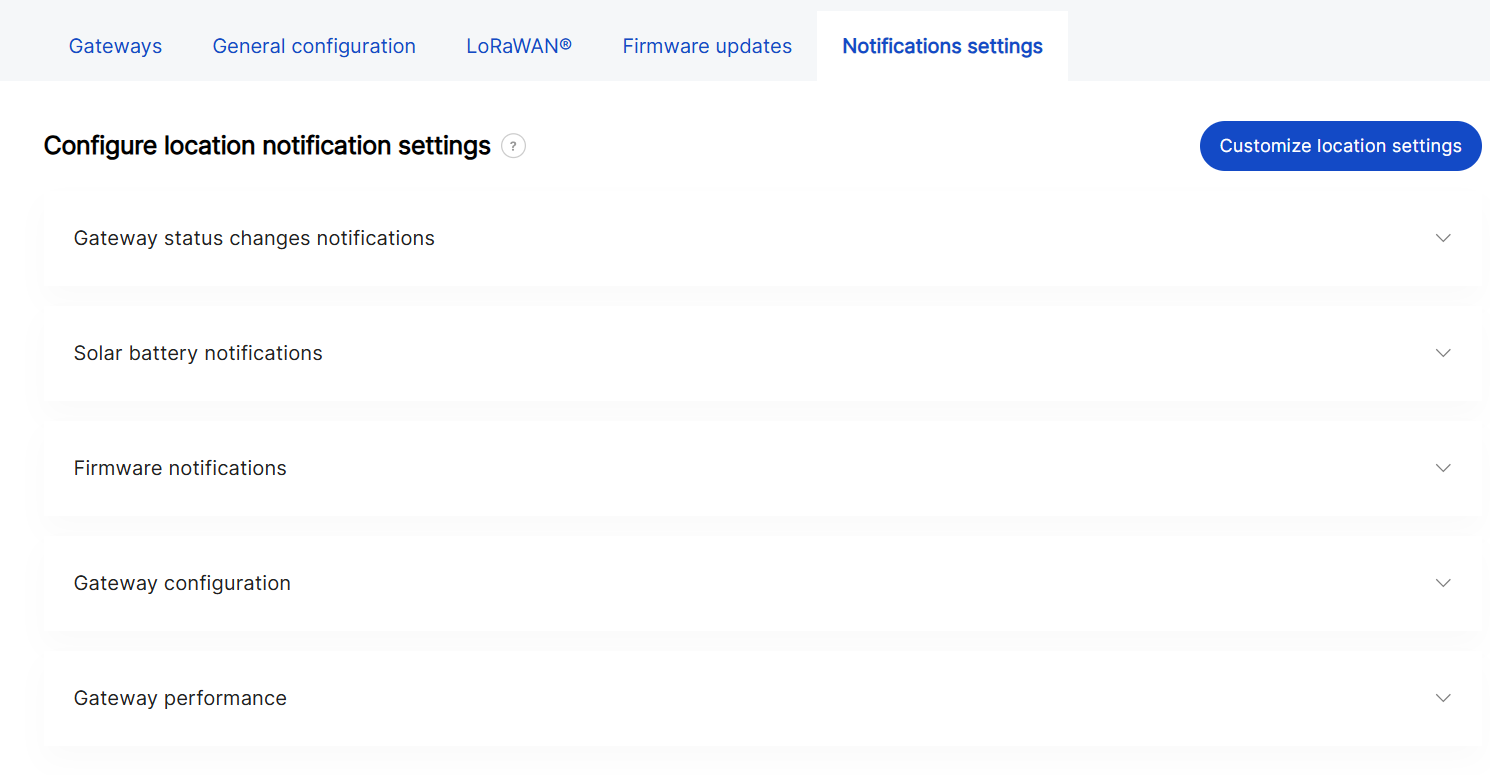 Figure 1: Notification settings overview
Enable Custom Location Settings
- Click Customize location settings.
- Confirm and click Customize to proceed.
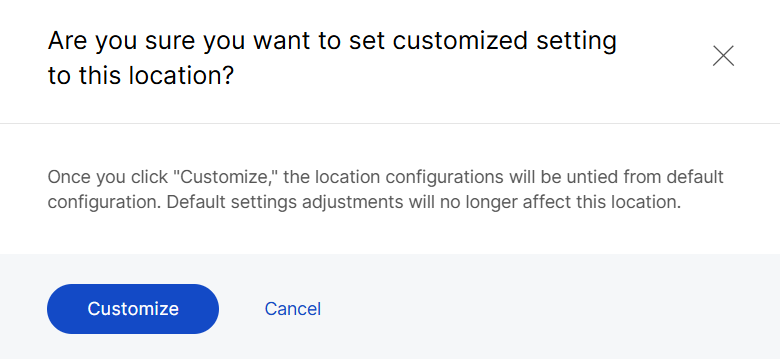 Figure 1: Confirm customization
To revert to the Organization-level defaults, click Reset to default at any time.
Notification Configuration
The configuration structure for Location-level notifications; including event types, recipient roles, and delivery frequency, follows the same logic as the Organization-level Notification Settings.
The key difference is that Location-level notifications allow adding Custom recipients using + Add Email Address, allowing external partners or service providers to receive alerts.
For detailed descriptions of all configuration parameters and notification types, refer to: Organization Management > Locations Notification Settings.


